
参照:Easy Slider 1.7 - Numeric Navigation jQuery Slider
操作している画面のスクリーンショットをスライドさせてみました。
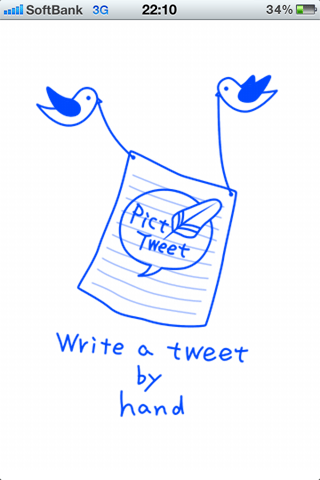

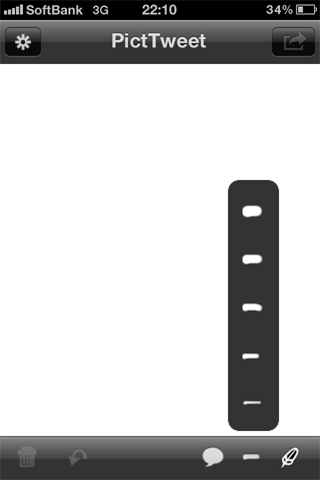
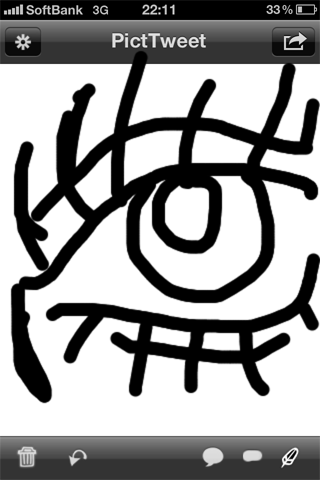
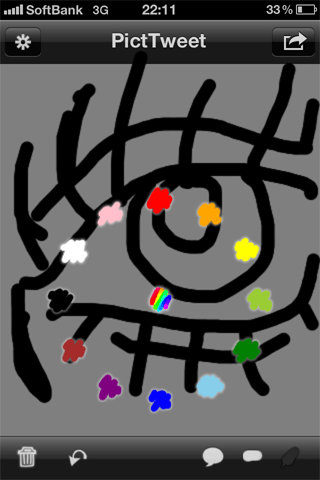
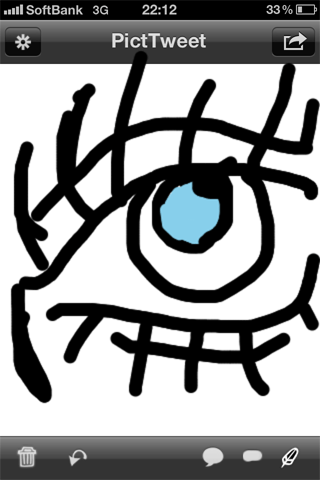
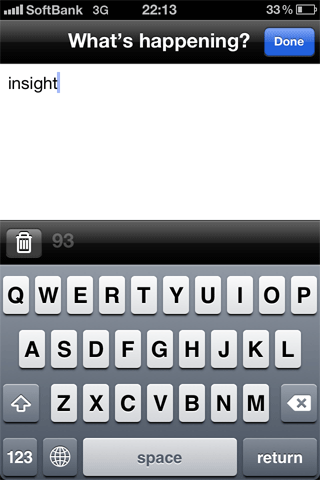
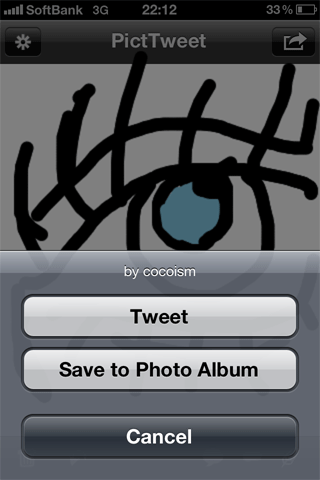
※アプリ画面は、「PicTweet」。手描きのイラストやメモをTwitterにメッセージ付きで投稿できるiPhoneアプリです。
※背景の本体画像は「Sketchy Mobile Wireframe Elementsを使用しています。
<!DOCTYPE html PUBLIC "-//W3C//DTD XHTML 1.0 Transitional//EN" "http://www.w3.org/TR/xhtml1/DTD/xhtml1-transitional.dtd">
<html xmlns="http://www.w3.org/1999/xhtml" xml:lang="ja" lang="ja">
<head>
<meta http-equiv="Content-Type" content="text/html; charset=utf-8" />
<meta http-equiv="Content-Language" content="ja" />
<meta http-equiv="Content-Script-Type" content="text/javascript" />
<meta http-equiv="Content-Style-Type" content="text/css" />
<meta http-equiv="imagetoolbar" content="no" />
<title>easySlider.js v1.7 | 設置サンプル</title>
<link rel="stylesheet" type="text/css" href="/content/lib/global.css" media="all" />
<!-- JS -->
<script src="https://ajax.googleapis.com/ajax/libs/jquery/1.7.2/jquery.min.js"></script>
<script type="text/javascript" src="/content/lib/jquery/easySlider1.7.js"></script>
<script type="text/javascript">
$(function(){
$("#slider").easySlider({
controlsShow:false,
speed:1500,
auto:true,
continuous:true,
numeric:true
});
});
</script>
<!-- CSS -->
<style type="text/css">
.demo {
margin:10px 20px; padding:0;
background:transparent url(/content/img/screenshot/iphone.png) no-repeat 0 0;
width:189px; height:369px;
position:relative;
}
#slider {
width:160px; height:240px;
overflow:hidden;
position:absolute;
top:62px; left:15px;
background:red;
}
#slider ul,
#slider li {
margin:0; padding:0;
list-style:none;
width:160px; height:240px;
overflow:hidden;
}
#slider li img {
width:160px; height:240px;
overflow:hidden;
}
/* numeric controls */
ol#controls {
margin:10px 20px; padding:0;
height:14px;
}
ol#controls li {
margin:0 10px 0 0; padding:0;
float:left;
list-style:none;
font-size:8px;
}
ol#controls li a {
float:left;
width:14px; height:14px;
line-height:14px;
border:1px solid #ccc;
background:#DAF3F8;
color:#555;
padding:0;
text-align:center;
text-decoration:none;
}
ol#controls li.current a{
background:#5DC9E1;
color:#fff;
}
ol#controls li a:focus, #prevBtn a:focus, #nextBtn a:focus{outline:none;}
</style>
<link rel="stylesheet" type="text/css" href="/common/css/example.css"></head>
<body id='example3' class='example'><div class="ads" style="margin:32px auto;text-align:center;"></div><h1 class='h'><a href='/'>PHP & JavaScript Room</a> :: 設置サンプル</h1>
<h3 class='h'>実行結果</h3>
<h1>設置サンプル|Easy Slider 1.7</h1>
<p>参照:<a href='http://cssglobe.com/post/5780/easy-slider-17-numeric-navigation-jquery-slider'>Easy Slider 1.7 - Numeric Navigation jQuery Slider</a></p>
<!-- CODE -->
<h2>アプリ画面のスライドショー</h2>
<p>操作している画面のスクリーンショットをスライドさせてみました。</p>
<div class="demo">
<div id="slider">
<ul>
<li><img src="/content/img/screenshot/app1.gif" /></li>
<li><img src="/content/img/screenshot/app2.gif" /></li>
<li><img src="/content/img/screenshot/app3.gif" /></li>
<li><img src="/content/img/screenshot/app4.gif" /></li>
<li><img src="/content/img/screenshot/app5.gif" /></li>
<li><img src="/content/img/screenshot/app6.gif" /></li>
<li><img src="/content/img/screenshot/app7.gif" /></li>
<li><img src="/content/img/screenshot/app8.gif" /></li>
</ul>
</div>
</div>
<ol id="controls"></ol>
<!-- / CODE -->
<p>※アプリ画面は、「<a href='http://itunes.apple.com/jp/app/picttweet/id316165186?mt=8'>PicTweet</a>」。手描きのイラストやメモをTwitterにメッセージ付きで投稿できるiPhoneアプリです。
<p>※背景の本体画像は「<a href='http://medialoot.com/item/free-sketchy-mobile-wireframe-elements/'>Sketchy Mobile Wireframe Elements</a>を使用しています。</p>
</body>
</html>